Access the Portal
If you are your company's designated coordinator and do not currently have access to the Community Ideas Portal, please contact SITA Support for assistance. To ensure fair and consistent participation, access is limited to one designated coordinator per WorldTracer customer.
As a WorldTracer member, you will automatically receive an email invitation to join the WorldTracer Community Development Portal.
After you create an account, you can participate in discussions, share insights, and contribute to future developments.
How do I log into the community ideas portal?
-
In the invitation email, select Join Now.
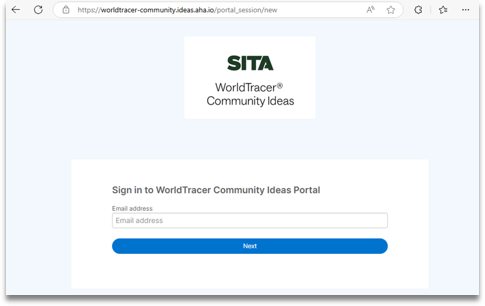
The WorldTracer Community Development Portal sign-in page will display.
-
Create your Aha! account.
You will receive an email asking you to verify your identity.
-
Verify your email address.
-
Return to the Aha! Ideas Portal and sign in to your account.
Note: After you sign in, you can browse ideas, submit your own ideas, vote, and interact with other members.
More information